PATIENT COMMUNICATION
Every reply. A clearer next step.
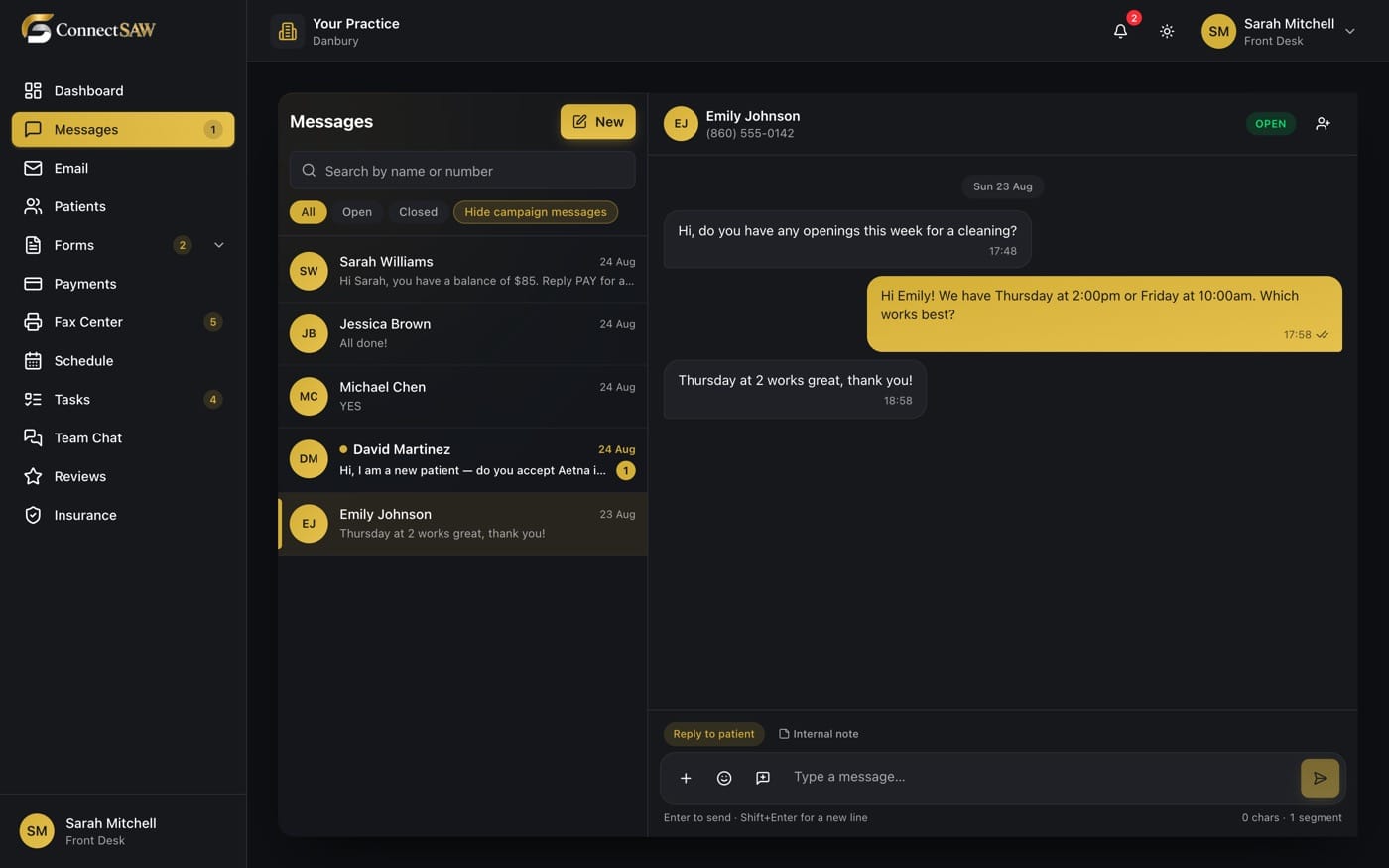
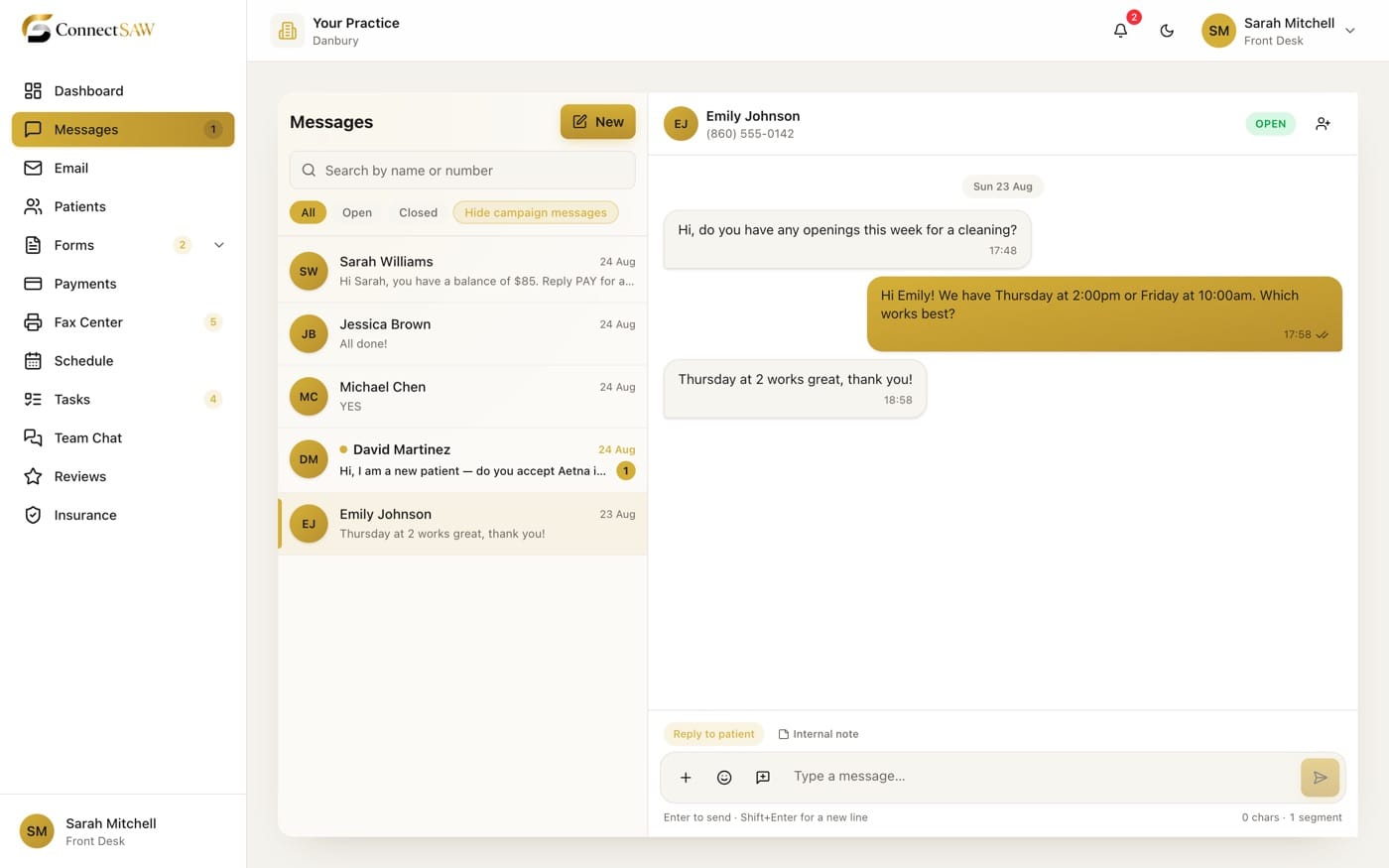
Bring patient texts into a shared inbox, so the next person at the front desk can pick up the conversation.
MADE FOR YOUR EVERYDAY
Less friction.
More room to care.
A shared conversation
Read and reply to patient texts from the practice inbox instead of a personal phone.
Context close by
Keep message history and attachments together when a patient follows up.
A place for the next step
Use tasks to give callbacks and outstanding requests an owner and a due time.
A SIMPLER WAY THROUGH
A clear next step.
- 1
Find the conversation
Open the patient thread and see what has already been discussed.
- 2
Send a clear reply
Answer the question or share the information the patient needs.
- 3
Track the follow-up
Record remaining work as a task, rather than relying on a note beside the monitor.
A FEW GOOD QUESTIONS
The details,
made clear.
Can more than one staff member use the inbox?
Yes. Authorized practice staff can work from the shared inbox, with access governed by their role.
Can patients reply by text?
Yes. Two-way texting keeps replies in the conversation. Messaging requires a configured practice number and provider setup.
Does this cover phone calls too?
Messages covers patient texting. Calls live in ConnectSAW Voice, a separate module of the same workspace: same inbox, same patient record, same tasks.
BUILT AROUND YOUR PRACTICE