SMART AUTOMATED WORKFLOW FOR DENTAL TEAMS

Your Dental Practice.
In Sync.

Every conversation becomes action.

Fifteen tools. One beautifully connected patient experience.

Every message, form, payment and fax becomes a task with an owner and a due time, in one place your whole front desk can see.

  • Built for Eaglesoft, Dentrix and Open Dental offices
  • HIPAA-compliant workflows
  • Your data stays yours
THE COMMAND CENTER

One screen.
The whole front desk.

Texts, forms, payments, faxes and the schedule land in one place, and every arrival becomes a task with an owner and a due time.

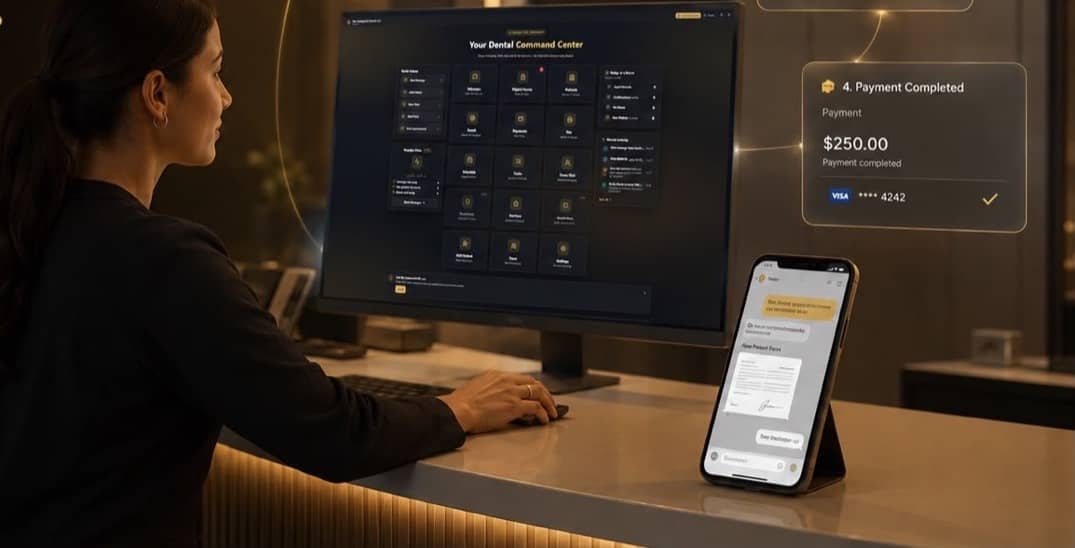
Illustration: notifications arriving around the ConnectSAW dashboard. A patient message, a signed intake form, a completed payment and a confirmed appointment.

New England Dental LLCDanburyWELCOME BACK, MUHAMMAD

Sample dashboard activity shown for illustration.

  • MessagesSMS & 2-Way Text
  • Digital FormsIntake & eSign
  • PatientsRecords & History
  • EmailSecure & Encrypted
  • PaymentsText-to-Pay
  • FaxSend & Receive
  • ScheduleAppointments
  • TasksTo-Do & Follow-Up
  • Team ChatInternal Messaging
  • InsuranceEligibility & CheckComing soon: Soon
  • ReviewsMonitor & Respond
  • RemindersCalls, Texts & EmailsComing soon: Soon
  • Add PatientNew Registration
  • TeamStaff & Invitations
  • SettingsPractice & Security
GET THE HIGHLIGHTS

Four things that happen
without anyone chasing them.

  1. Messages/ 04

    A text comes in. A task goes out.

    Patients text the practice line. It lands in one shared inbox the whole front desk can see, and ConnectSAW opens the follow-up task, assigns it, and dates it.

    See the whole flow
  2. Digital Forms/ 04

    Signed on her phone, filed to her chart.

    Send intake and consent forms by text or email. The patient signs on her phone and the signed PDF files itself. Nobody re-types anything.

    See every feature
  3. Payments/ 04

    Text the link. Watch it clear.

    A balance goes out as a payment link. She pays by card on her phone; the receipt and the record post themselves.

    See every feature
  4. Appointments/ 04

    Confirmed by text. Closed by itself.

    Confirmations go out on schedule. When she replies, the appointment updates and the task closes. No phone call, no callback list.

    See the whole flow

The modules, up close

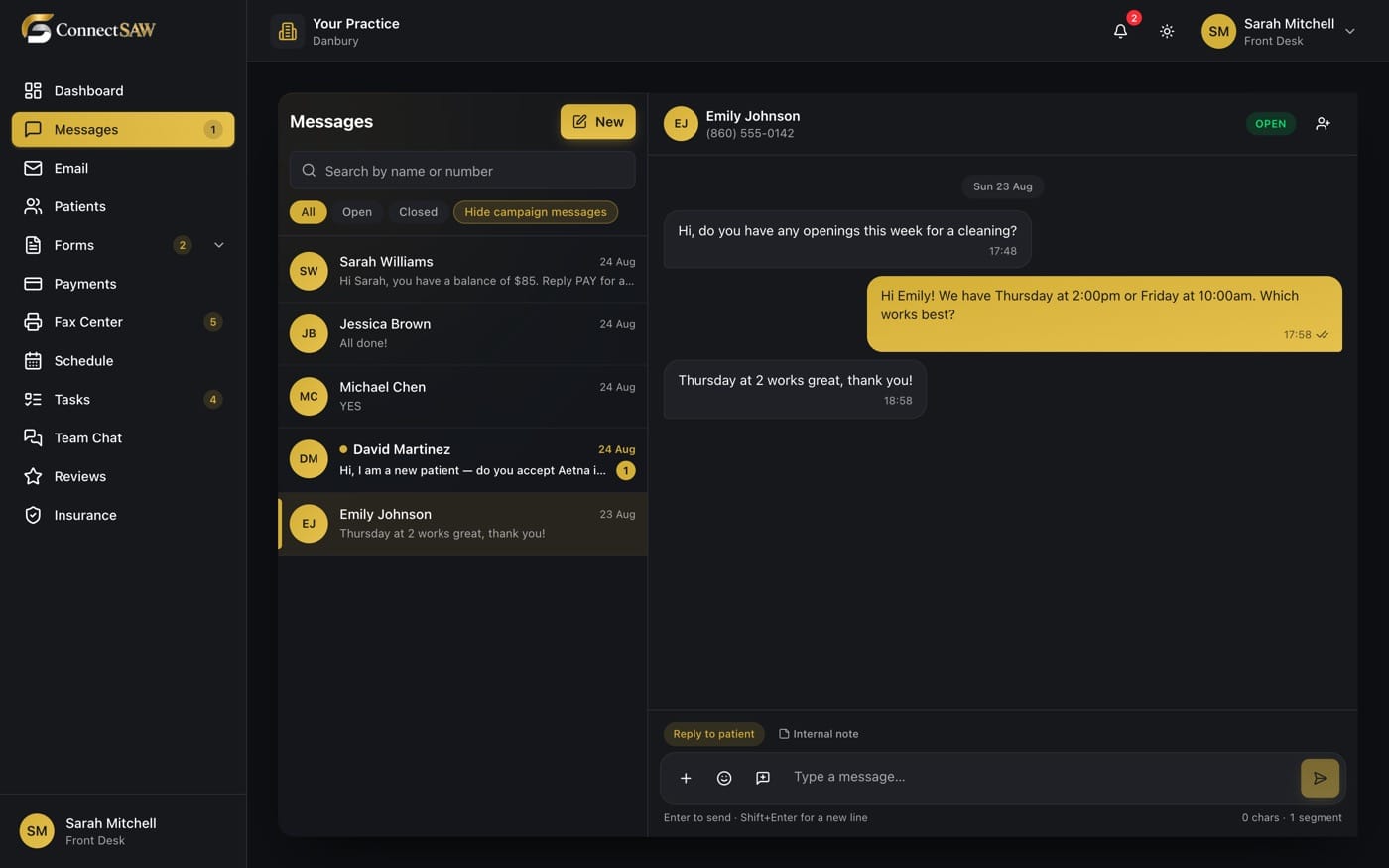
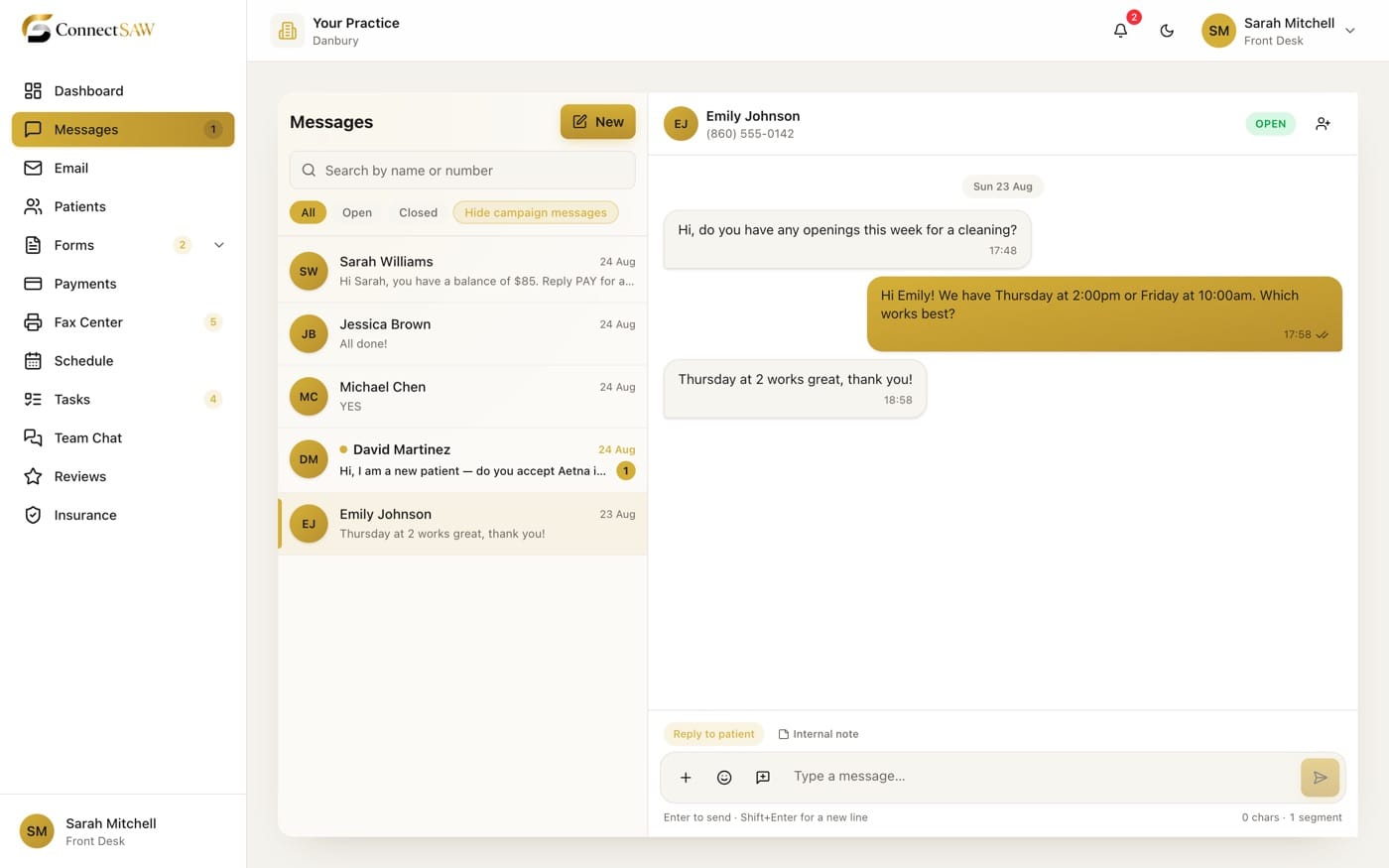
The ConnectSAW Messages inbox: five patient text threads on the left and an open conversation on the right, where a patient books Thursday at 2, with reply and internal-note tabs below.The ConnectSAW Messages inbox: five patient text threads on the left and an open conversation on the right, where a patient books Thursday at 2, with reply and internal-note tabs below.
Messages

A text becomes
a task.

Two-way texting in one shared inbox the whole team can see. Photos, attachments and forms sit right in the thread. Nothing waits in one person’s phone.

See the whole flow
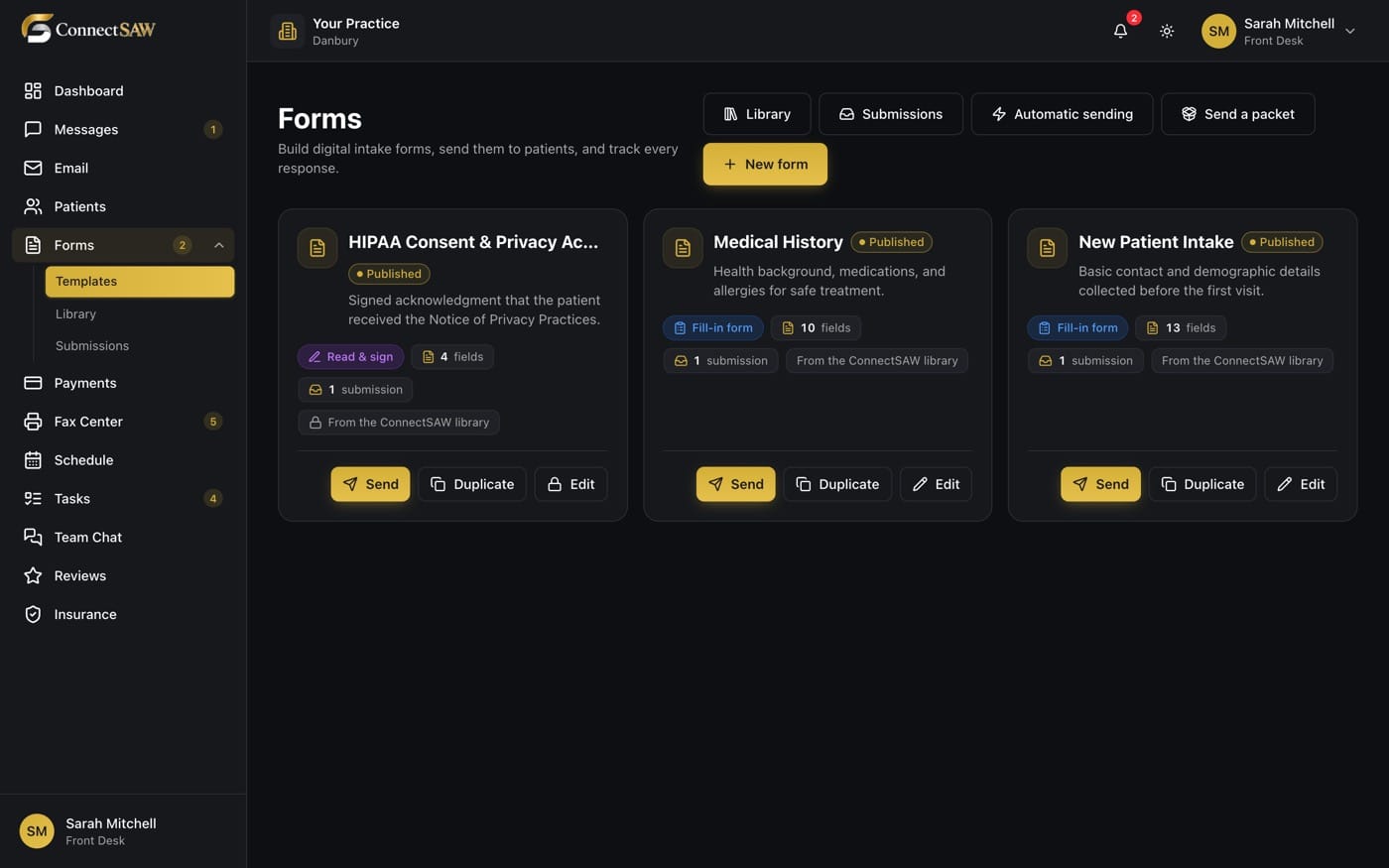
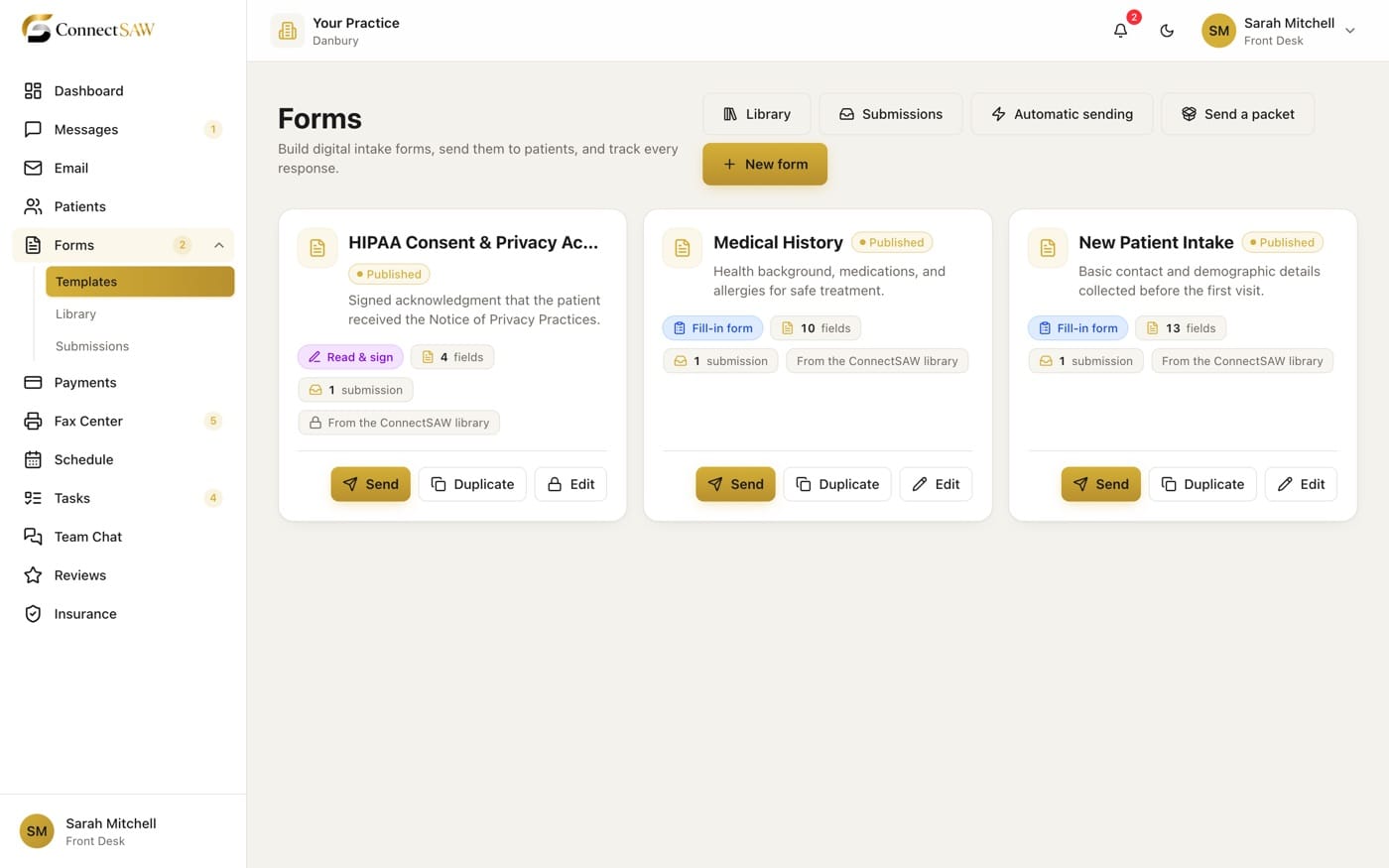
The ConnectSAW Forms screen shows three published templates: HIPAA Consent, Medical History and New Patient Intake. Each has its field count, submissions, and send, duplicate and edit actions.The ConnectSAW Forms screen shows three published templates: HIPAA Consent, Medical History and New Patient Intake. Each has its field count, submissions, and send, duplicate and edit actions.
Digital Forms

Signed at home.
Filed to the chart.

Intake and consents signed on the patient’s phone. The signed PDF files itself to the chart.

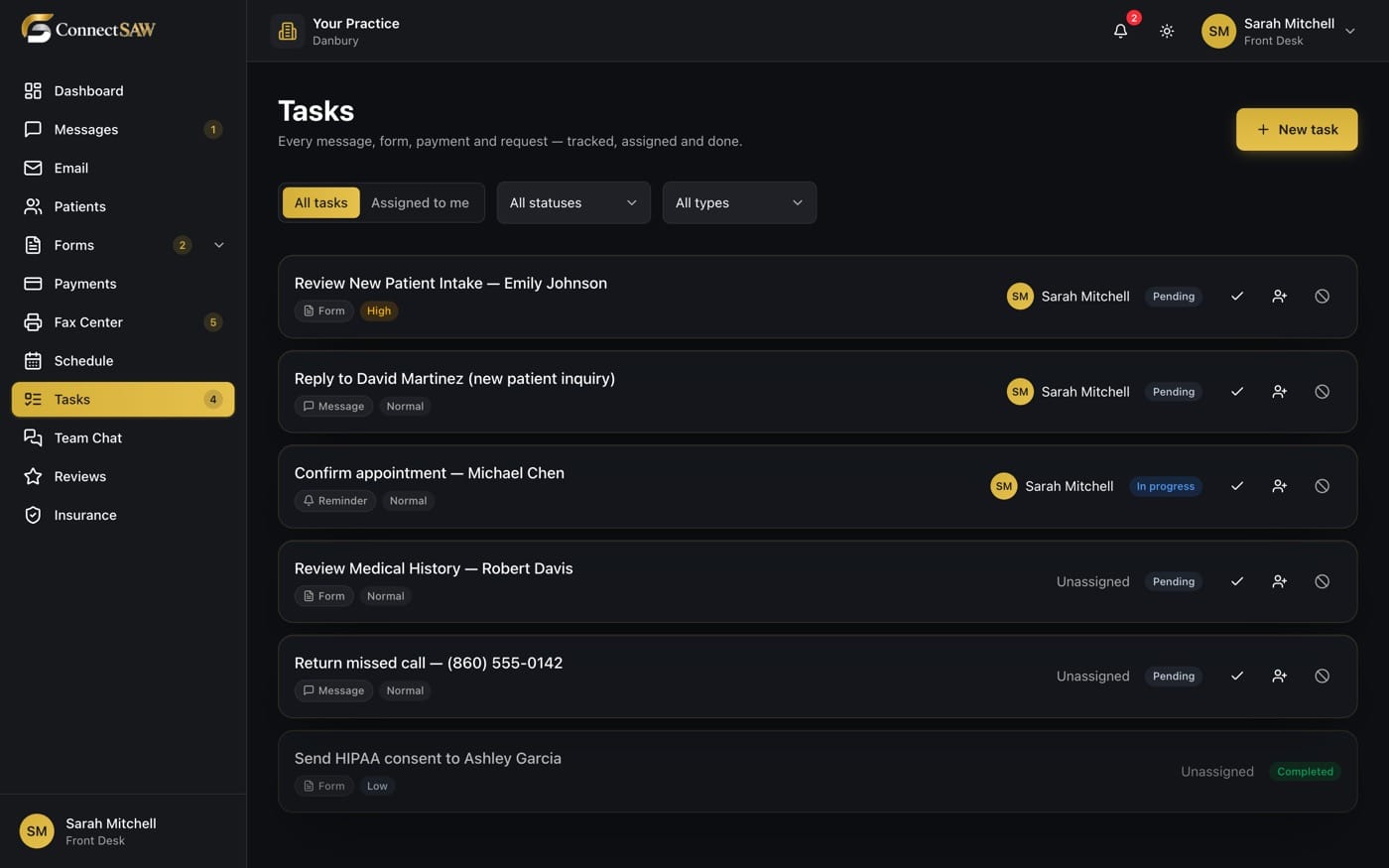
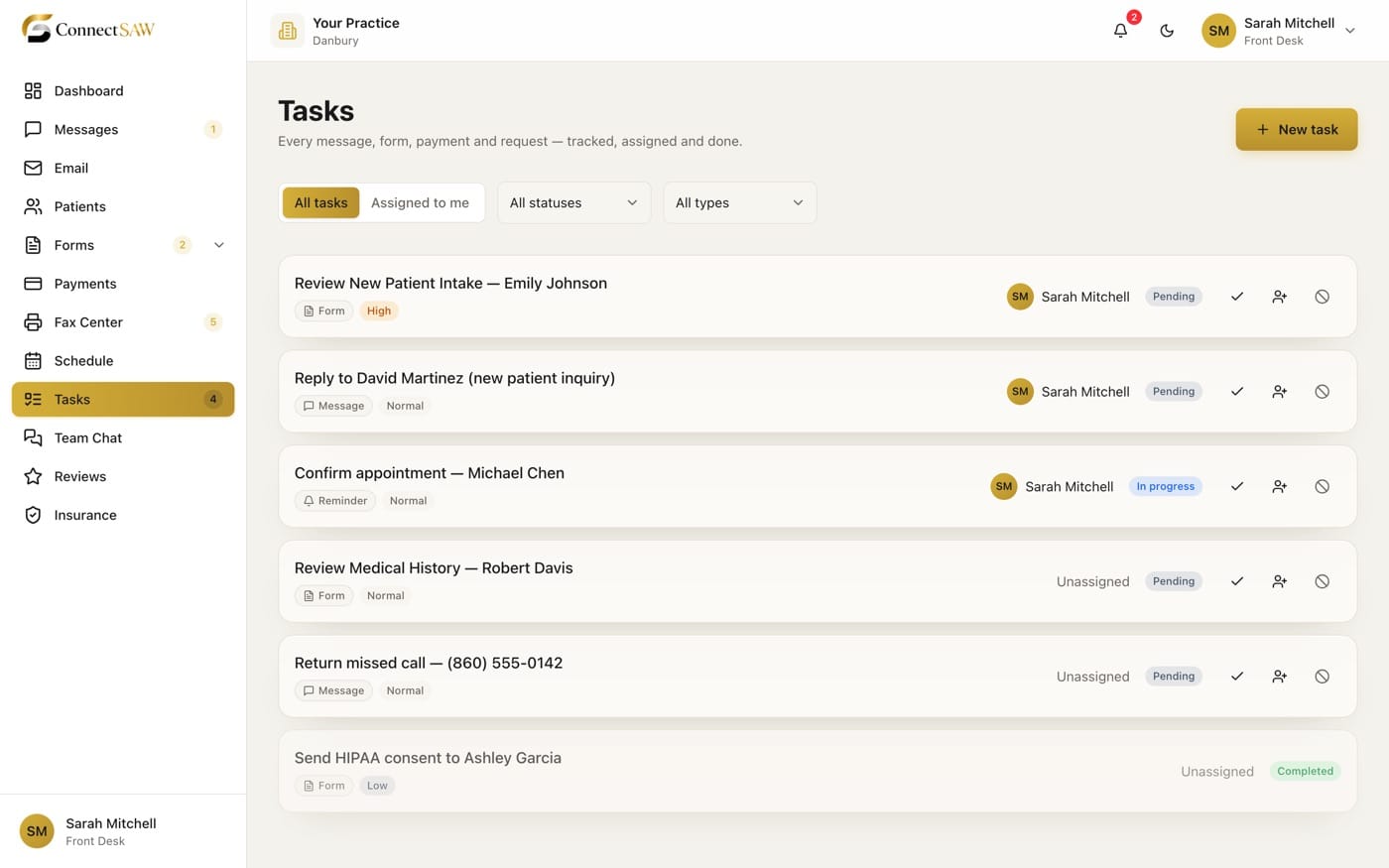
The ConnectSAW Tasks list: six tasks with type and priority tags, assignees and statuses, from reviewing a new-patient intake to returning a missed call.The ConnectSAW Tasks list: six tasks with type and priority tags, assignees and statuses, from reviewing a new-patient intake to returning a missed call.
Tasks

Nothing lives in
one person’s head.

Everything that comes in becomes a task with an owner, a status and a due time. Nothing lives in one person’s head.

Payments

Text the link.
Watch it clear.

Text a payment link. The patient pays by card on their phone; the receipt and the record post themselves.

Schedule

The schedule fills
itself in.

Appointments, confirmation texts and reschedules, with the patient’s reply sitting right next to the slot.

THE PATIENT JOURNEY

Five steps.
Zero dropped balls.

This is what “every conversation becomes action” looks like at an actual front desk: nobody writes a sticky note, and nothing sits in one person’s head.
  1. First contact

    A text or a call becomes a patient record and a task.

  2. Forms, before the chair

    Intake and consents signed at home.

  3. Confirmed and reminded

    The schedule fills itself in.

  4. The visit

    The front desk sees the whole story on one screen.

  5. Settled the same day

    Payment requested, paid, and posted.

5 steps, one flow, zero sticky notes.

WHAT’S INSIDE

Your whole dental office, under
one umbrella.

Because juggling is for the circus.

PATIENT COMMUNICATION

Messages

Two-way texting in one shared inbox the whole team can see. Photos, attachments and forms sit right in the thread.

INTAKE & SIGNATURES

Digital Forms

Intake and consents signed on the patient’s phone. The signed PDF files itself to the chart.

THE PATIENT RECORD

Patients

One record per patient: every message, form, payment, fax and appointment on a single timeline.

SECURE CORRESPONDENCE

Email

Practice email in the same window as everything else. Plus coded, secure delivery for anything carrying patient information.

See how secure email works

GETTING PAID

Payments

Text a payment link. The patient pays by card on their phone; the receipt and the record post themselves.

DOCUMENT DELIVERY

Fax

Send and receive faxes without the machine, with your practice letterhead on the cover page.

APPOINTMENTS

Schedule

Appointments, confirmation texts and reschedules, with the patient’s reply sitting right next to the slot.

THE WORKFLOW ENGINE

Tasks

Everything that comes in becomes a task with an owner, a status and a due time. Nothing lives in one person’s head.

INTERNAL COMMUNICATION

Team Chat

Internal messages and group chats, kept out of the patient thread. Replaces the sticky notes on the monitor.

In development

ELIGIBILITY & BENEFITS

Insurance

Eligibility and benefits checked before the patient sits down, attached straight to the record.

See what’s coming

PRACTICE REPUTATION

Reviews

See new Google reviews as they land, get told about the bad ones first, and reply without leaving ConnectSAW.

In development

RECALL & CONFIRMATIONS

Reminders

Confirmations and recall reminders that go out on schedule, so the callback list empties itself.

NEW PATIENT INTAKE

Add Patient

A new patient registered in one screen, ready to text, schedule and send forms to.

STAFF & ACCESS

Team

Invite staff, set what each role can see, and switch access off in one click when someone leaves.

PRACTICE CONFIGURATION

Settings

Practice details, roles and security switches in one place, not seven support tickets.

ONE PLATFORM

Everything, beautifully
connected.

Every module talks to every other one. That’s the point.

Diagram: twelve ConnectSAW modules arranged around the ConnectSAW mark, each connected to the centre. Every module is a link to its section.

EMAIL

Practice email, and the kind you can
send records with.

Two different jobs. Most practices solve them with two different subscriptions and a workaround. ConnectSAW does both in one window.

Secure email, when it carries patient information

Records, referrals and anything with patient information go out as a secure link instead of an attachment. The recipient gets a one-time six-digit code by text, or by email if they won’t give out a mobile number. They enter it and read the message on our page. Nothing is readable until it’s unlocked, nothing sits in a personal inbox, and nothing rides along in a forward.

  • One-time code
  • Nothing readable until unlocked
  • Every open logged

Everyday practice email

Connect the practice’s Gmail or Outlook account and read, reply and send from inside ConnectSAW. Staff never handle the password. Every message is logged against the patient it belongs to. And when someone leaves, you switch their access off. No password change, no scramble, no shared login.

  • No shared passwords
  • Logged to the patient
  • Access off in one click

How a secure message travels

  1. 1

    You write it and choose “Send securely.”

    Same compose window, one extra choice.

  2. 2

    They get a link and a code.

    The code goes by text, or by email if there’s no mobile number. You pick, at send time.

  3. 3

    They enter the code and read it.

    Attachments included. Every open is written to the audit log.

Sending to another dental or medical office? Choose the email code: most offices will not hand out a mobile number, and that is exactly the case this was built for.

Secure delivery supports HIPAA-compliant workflows. It does not replace your practice’s own policies, training or a signed Business Associate Agreement. We’ll cover all three on the demo call.3

2 kinds of email. One window. No second subscription.

INTEGRATIONS

Built for the software your practice
already runs.1

ConnectSAW sits on top of your practice management system. Nobody has to switch systems, retrain the team, or move a decade of charts.
  • Eaglesoft
  • Dentrix
  • Open Dental
  • CareStack
  • Curve

Product names are the trademarks of their respective owners. ConnectSAW is an independent product and is not affiliated with or endorsed by any of them.4

PMS sync is in active development, with Eaglesoft first. Here’s exactly what the connection covers, so you can see where your practice will stand. Ask us on the demo call and we’ll tell you honestly where your system is in the queue.

What data syncs from your practice management system1

  • Patients & demographics

    Name, date of birth, phone, address, email

    Into ConnectSAWYesBack to your PMSYes
  • Appointments & status

    What’s booked, confirmed, arrived or cancelled

    Into ConnectSAWYesBack to your PMSYes
  • Treatment plans

    Planned treatment and what’s still outstanding

    Into ConnectSAWYesBack to your PMSNot available
  • Procedure codes

    CDT codes, mapped to the way your office words them

    Into ConnectSAWYesBack to your PMSNot available
  • Insurance & guarantor accounts

    Plan, subscriber, and who’s responsible for the balance

    Into ConnectSAWYesBack to your PMSNot available
  • Claims & payment types

    Submitted claims and how each one was paid

    Into ConnectSAWYesBack to your PMSNot available
  • Images from your PMS

    Photos already stored on your system

    Into ConnectSAWYesBack to your PMSNot available
  • X-rays

    Radiographs, for reference alongside the chart

    Into ConnectSAWYesBack to your PMSNot available
  • Payments

    Card payments taken in ConnectSAW post back to the ledger

    Into ConnectSAWYesBack to your PMSYes
  • Practice KPIs & analytics

    Production, collections and visit counts

    Into ConnectSAWYesBack to your PMSNot available
  • Risk scores & predictions

    Where your practice management system already produces them

    Into ConnectSAWYesBack to your PMSNot available

Availability varies by practice management system and plan.

11 data categories synced1

2-way sync on patients, appointments and payments1

INSURANCE

Know what’s covered
before the patient sits down.2

Eligibility and benefits, checked in real time from inside ConnectSAW: coverage, deductibles and plan history attached straight to the patient record. Your front desk stops waiting on hold with payers.

Real-time eligibility

Benefits breakdown on the chart

Checks that run before the day begins

Insurance verification is in active development. It arrives connected to the systems your practice already uses.

AI

AI that does the typing.
Not the deciding.2

Front-desk software should remove keystrokes, not judgment. Here’s what that means in practice, and what is and isn’t built yet.

Working today, and it isn’t AI

ConnectSAW already turns every message, form, payment and fax into a task with an owner, a status and a due time. That runs on rules, not a model, which is why it is predictable and why it is already in daily use. The four below are what we’re adding on top.

In development

Call summaries

When a patient calls, you get the number, the reason and a short written summary you can act on, instead of a note nobody can read.

In development

Intent → task

The call or message gets categorised as scheduling, billing, records or emergency, and the follow-up task is opened, assigned and dated for you.

In development

Insurance card autofill

The patient photographs their card and the intake form fills itself in, for them to check before signing.

In development

Suggested replies

A first draft of the text back, in your practice’s voice. A person always presses send.

These four are on the roadmap and are not part of ConnectSAW today. We’d rather say that here than on your first invoice.

THE ROAD AHEAD

What’s here, and what’s
next.

Ask us where each one stands. We’ll tell you straight.
  1. Here today

    Messages, digital forms, payments, fax, schedule, tasks, team chat and secure email. Live at the front desk now.

  2. Coming Fall 20275

    e-Prescriptions

    FALL 2027

    Prescriptions written and sent electronically, straight from the patient’s record.

    Billing

    FALL 2027

    Claims, statements and collections: the money side of the practice, inside ConnectSAW.

SECURITY

Patient information, handled
like patient information.

The parts of this that matter aren’t visible in a demo, so here they are in writing.
HIPAA-compliant workflows3
Encrypted fields, mandatory two-factor, a real audit log, and a BAA before any patient information moves.
One login for the whole front desk
Front desk, provider, billing, office manager: each role sees what its job needs, and access switches off in one click.
Your data stays yours
Your practice is isolated by the database itself on every query, and you can export what you have put in.

Encrypted in transit and at rest

Every connection is TLS. Sensitive patient fields are individually encrypted in the database with AES-256-GCM, not just the disk underneath it.

Every practice separated

Your practice’s data is isolated by the database itself, on every single query: a rule the database enforces, not a filter the application remembers to add.

Roles that actually restrict

Front desk, provider, billing, office manager: each person sees what their job needs. Build a custom role when none of ours fits yours.

Two-factor, for everyone

Every user, every login. A code by email, or an authenticator app. There is no switch to turn it off.

A real audit log

Who opened what, when, and from where. That includes every time a secure message was unlocked. Exportable when your compliance officer asks.

BAA available

We sign a Business Associate Agreement with your practice before any patient information moves. Ask for it on the demo call.

HIPAA compliance is shared work. ConnectSAW provides the safeguards, the audit trail and the agreement; your practice’s own policies, training and access decisions do the rest. We’ll walk through where the line sits before you sign anything.3

PRICING

One platform.
One bill.

Most practices we talk to are paying four to seven separate subscriptions: fax, secure email, patient messaging, payments, reviews, reminders. ConnectSAW is one.

We price per practice, after we’ve seen how yours works.

Practice size, how many people are on it, and which modules you switch on all move the number, so we’d rather quote you honestly than post a price that doesn’t fit. Here’s what a demo actually is: a walkthrough of ConnectSAW against your own front-desk workflow, and a written quote for your practice.

  • Your data stays yours
  • Export whenever you want
  • We do the setup with you
ConnectSAWConnectSAW

Every conversation becomes
action.

BOOK A DEMO

See it on
your own front desk.

Tell us your practice name and what you’re using today. We’ll show you ConnectSAW against your actual workflow, not a canned tour.
  1. 1

    You send us a note.

    Practice name, your name, and what you’re running today.

  2. 2

    We reply with two times.

    Usually the same working day.

  3. 3

    We walk your workflow, then send a quote.

    Thirty minutes, on your screen, with your questions.

Email us about a demo

Or write to us at hello@connectsaw.com

Please don’t send patient information to this address. It’s a regular mailbox, not a secure one.

ConnectSAW: Dental front-desk software for messages, forms, payments