INTAKE & SIGNATURES
The paperwork. Without the clipboard.
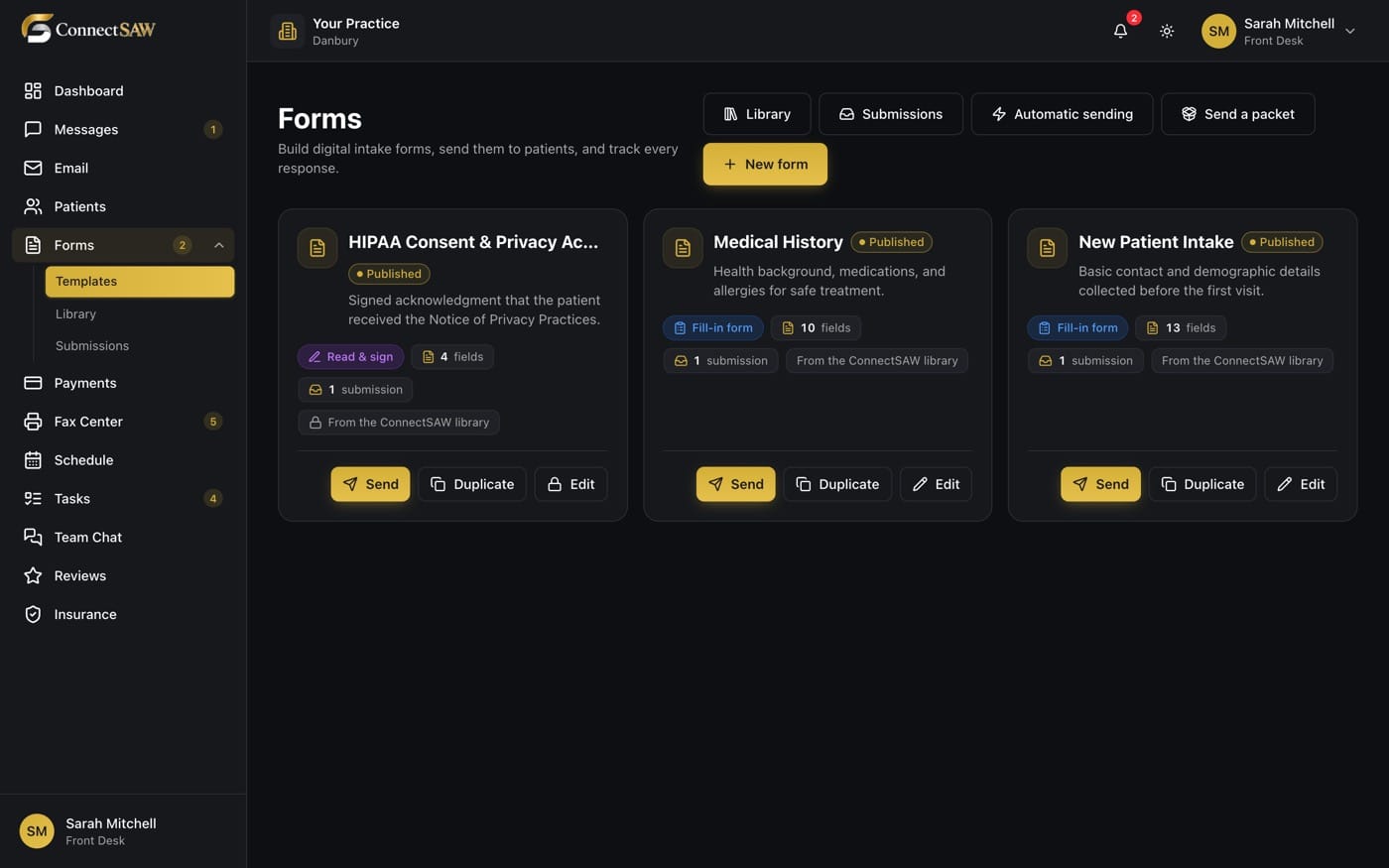
Let patients complete intake and consent forms on their phone, then bring the completed submission back to your team.
MADE FOR YOUR EVERYDAY
Less friction.
More room to care.
Start before the visit
Send a form link so patients can complete the paperwork wherever it suits them.
Capture the signature
Collect electronic signatures alongside the form responses.
Keep a readable record
Review submissions and access the signed PDF when the team needs it.
A SIMPLER WAY THROUGH
A clear next step.
- 1
Choose the form
Use a practice form for the intake or consent you need to collect.
- 2
Share the link
Send the patient a link to complete the form on their device.
- 3
Review the submission
Check the completed responses and signed document before moving to the next step.
A FEW GOOD QUESTIONS
The details,
made clear.
Do patients need to install an app?
No. Public form links open in a browser on the patient’s phone or computer.
Can we collect consent signatures?
Yes. Digital forms support electronic signatures. Your practice supplies and approves its consent language.
Will a signed form appear in our existing PMS?
The submission is available in ConnectSAW. Ask our team about your specific PMS and filing requirements during the demo.
BUILT AROUND YOUR PRACTICE